
















Professional players

CS2 pro player nade lineups

Study 1292 watchable utility throws used by professional Counter-Strike 2 players. Each profile connects its smokes, flashes and grenades to a real source match and timestamped public guide.

34

professional player profiles

1292

watchable utility throws

5

indexed source matches

8

represented teams

Player-first utility research

Study how CS2 professionals use utility

Player profiles organize real match utility by grenade type, map, side and recorded team. They are useful for comparing a player's smoke, flash, HE and fire-grenade sample before opening the exact public guide.

The counts describe verified events in the Daily CS Nades catalog, not a complete career history. Source match, round, side and landing evidence stay attached to each event so the sample remains auditable as the library grows.

How to use a player profile

  1. 1. Pick a professional. Use the throw counts to find the sample you want to study.
  2. 2. Review the evidence. Compare utility distribution, maps, rounds and T/CT-side usage.
  3. 3. Watch the lineup. Open a guide or event link to inspect the exact execution at its indexed timestamp.

CS2 pro player utility questions

Which professional CS2 players have nade guides?

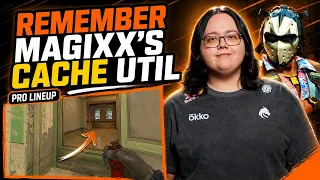
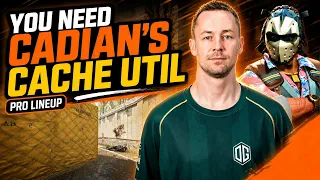
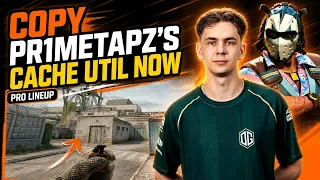
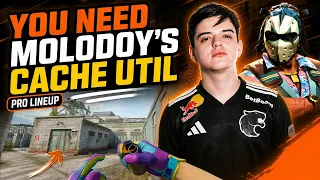
The current public library includes 34 player profiles: HooXi, karrigan, yuurih, NiKo, jabbi, EliGE, m0NESY, phzy, FalleN, malbsMd, ryu, JT, KSCERATO, huNter, Staehr, NAF-FLY, kyousuke, Jorko, YEKINDAR, r1nkle, Twistzz, MATYS, NertZ, HeavyGod, donk, spooke, frozen, magixx, cadiaN, sh1ro, pr1metapz, adamb, molodoy, bodyy. Profiles are added automatically when an approved long-form guide receives a public YouTube ID.

Do team names show each player’s current roster?

No. A team name records who the player represented in the indexed source match. Daily CS Nades preserves that historical match context even when a player later transfers.

Can I jump directly to a player’s exact nade?

Yes. Every watchable utility event connects to a public guide, and known event times open the video at the indexed lineup moment. Use that footage to confirm the starting position, aim point and throw execution.