Map library

CS2 maps and nade lineups

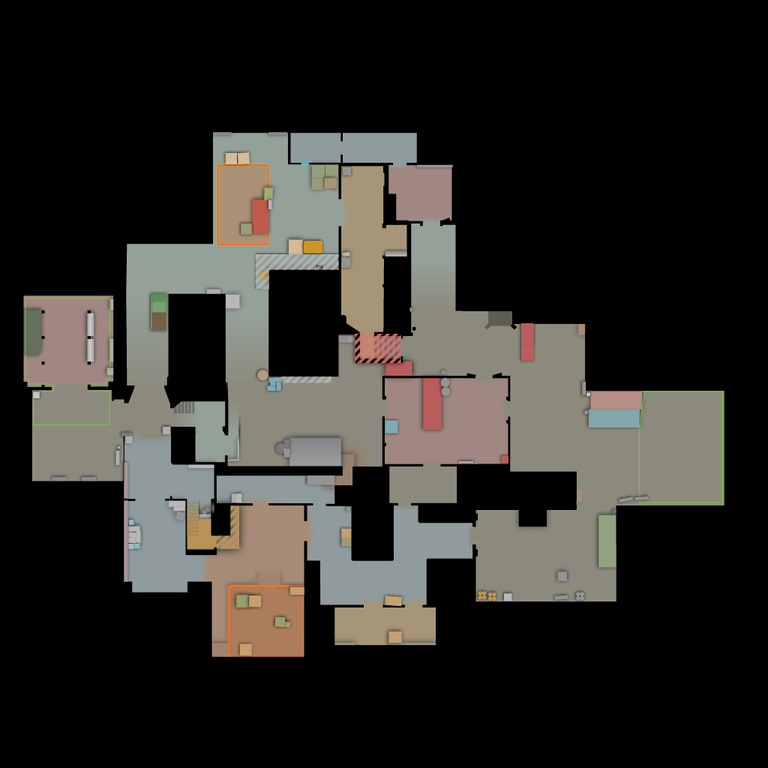
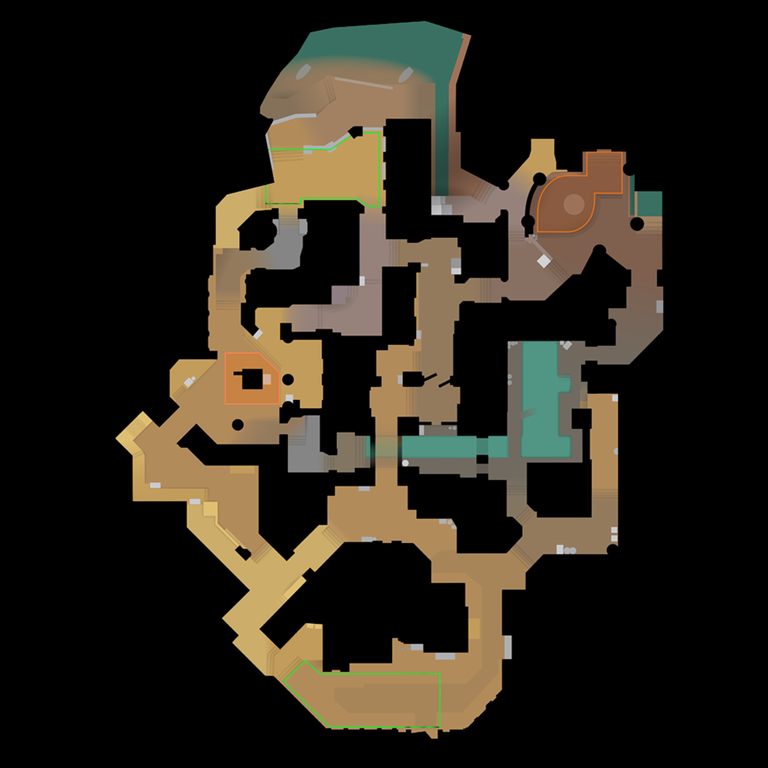
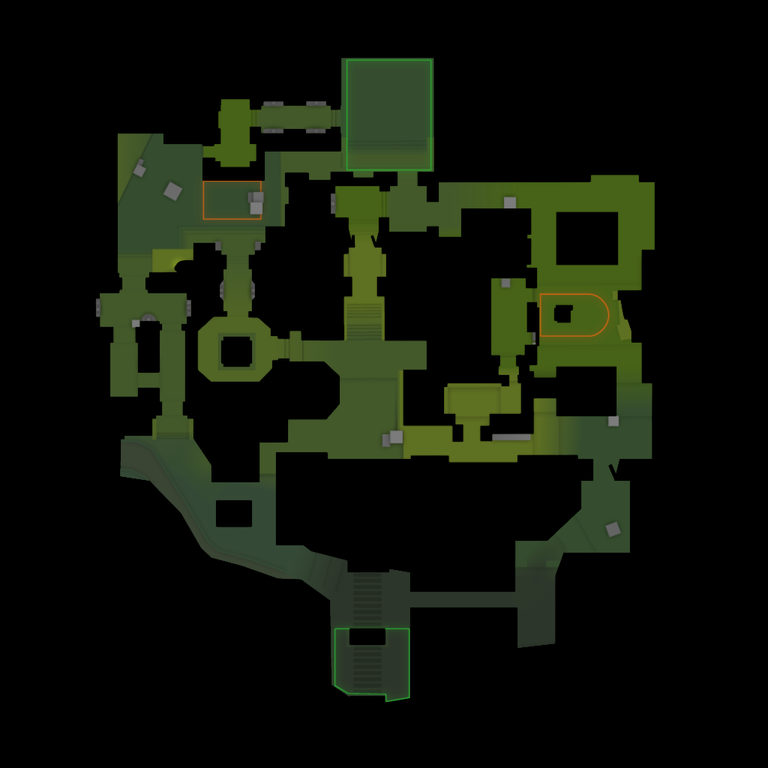
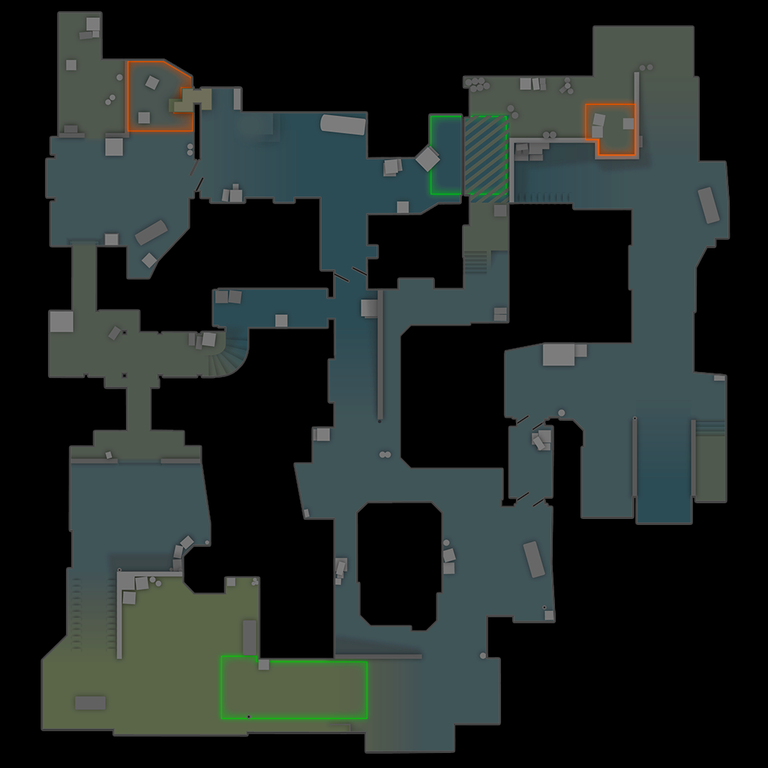
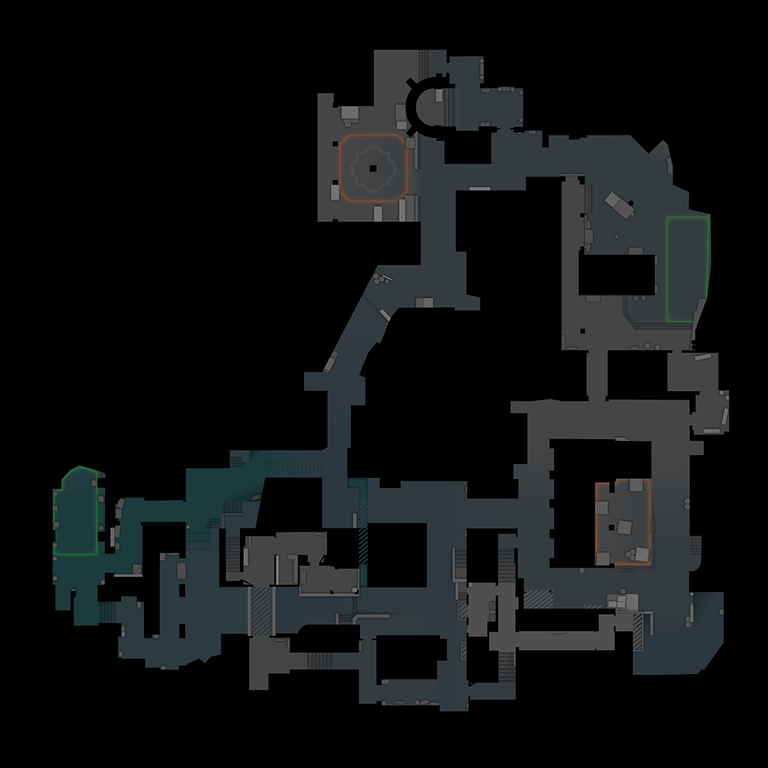
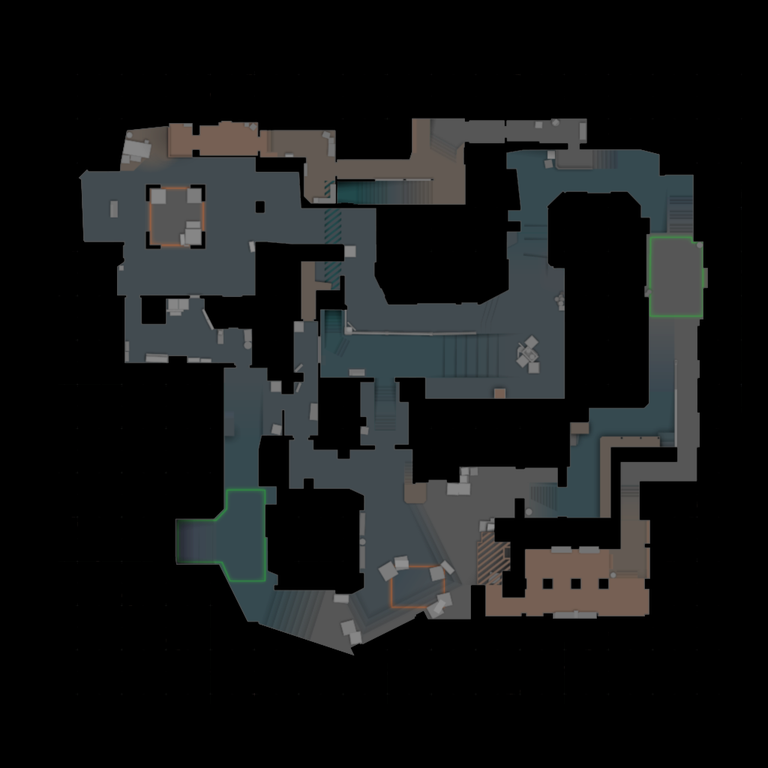
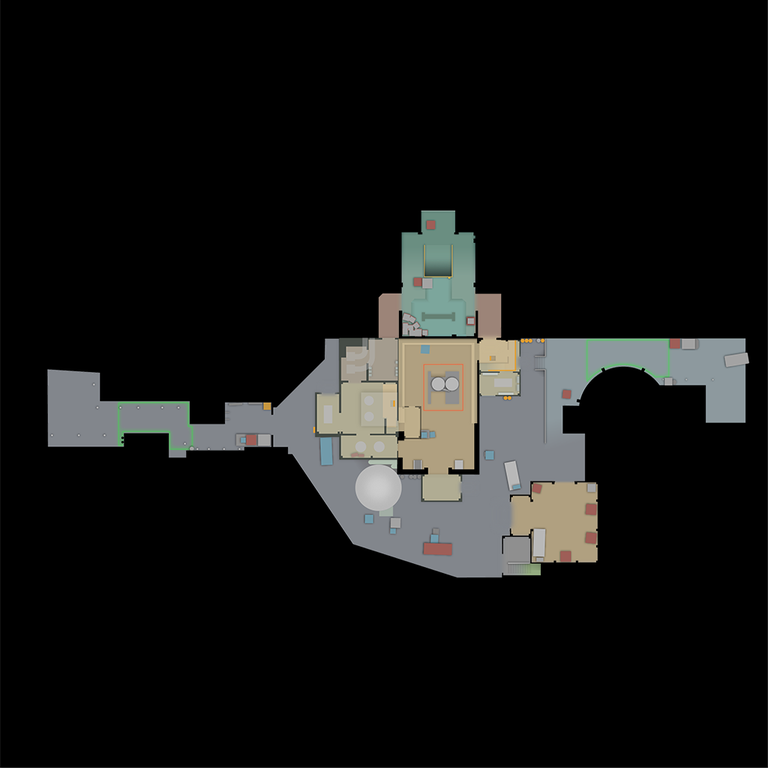
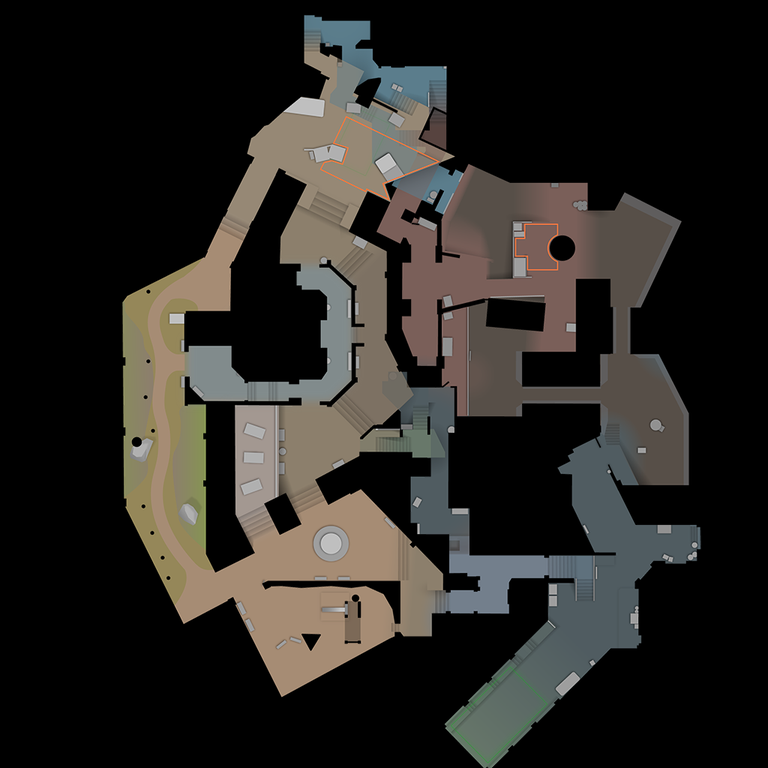
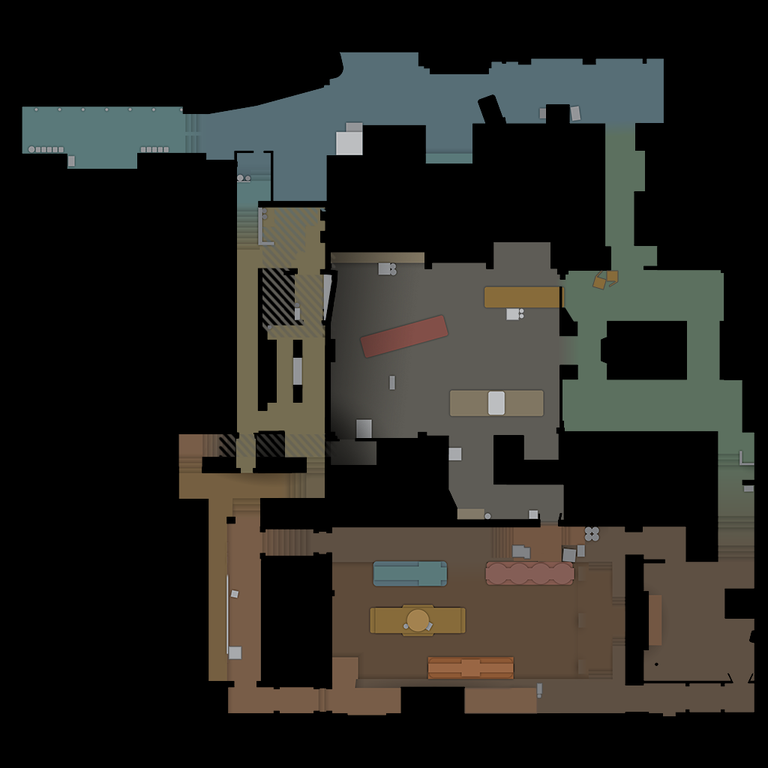
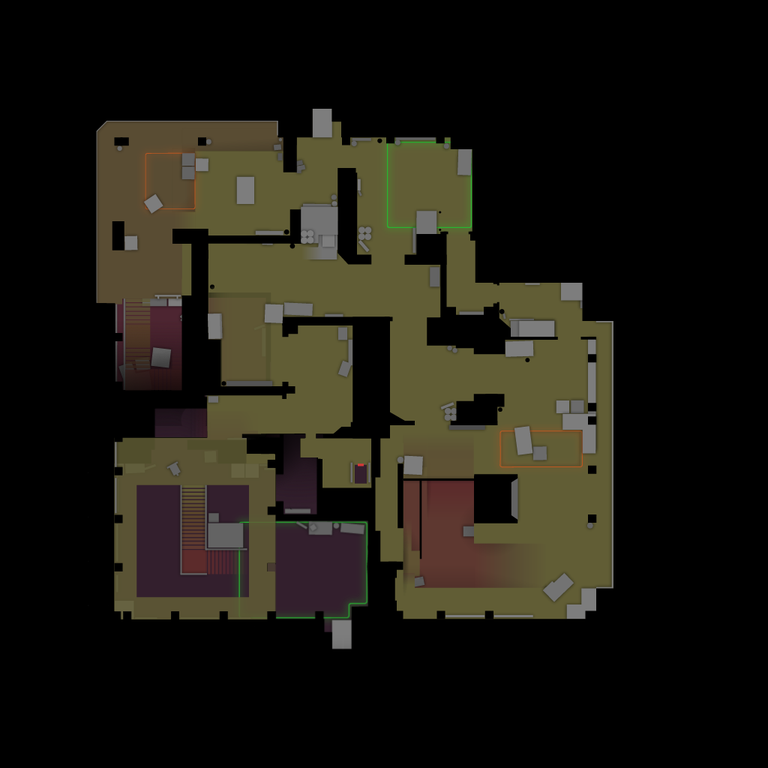
Open a full CS2 radar and browse utility taken from professional match demos. The library includes today's competitive maps plus maps used in competitive play during the last two years.

10

7 current + 3 recent maps

7286

source-backed pro throws

1292

watchable lineups

34

public video guides

Map-first utility research

Find CS2 nades by where they land

Each map profile combines an accurate CS2 radar with professional source-match utility. Open a map to filter smokes, flashes, HE grenades, Molotovs and incendiaries by landing area, side, player or team.

Daily CS Nades separates broad evidence coverage from released video coverage. That distinction keeps thousands of plotted observations useful without presenting an unpublished throw as a complete, watchable lineup.

How to study a lineup

  1. 1. Choose a map. Start with the radar and landing area you need.
  2. 2. Narrow the evidence. Filter by utility, side, player, team or callout.
  3. 3. Open the exact timestamp. Use the public guide to verify the standing position, aim reference and throw execution.

CS2 map and nade questions

Which CS2 maps are covered by Daily CS Nades?

The radar library currently covers Cache, Anubis, Ancient, Dust II, Inferno, Mirage, Nuke, Overpass, Train, Vertigo. It includes the current competitive pool plus maps used in competitive play during the previous two years.

What is the difference between tracked and watchable pro throws?

A tracked throw has source-backed utility evidence and a radar landing position. A watchable throw also connects to one of the 34 public video guides, so you can inspect the execution at the indexed timestamp.

Do radar markers show the throw position or landing position?

The map directory is organized by where utility lands. A landing marker does not prove the starting position, aim point or throw input; use the linked guide timestamp when that execution detail is available.